Blogs:
-
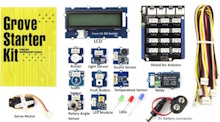
GROVE STARTER KIT FOR ARDUINO -Girls‘ Day 2026 Workshop
As part of a Girls‘ Day program, my daughter and I are preparing a workshop using the Grove-Starter Kit for Arduino. The Grove Kit comes with several sensors that are easy to connect and a shield to connect these modules directly to…
-
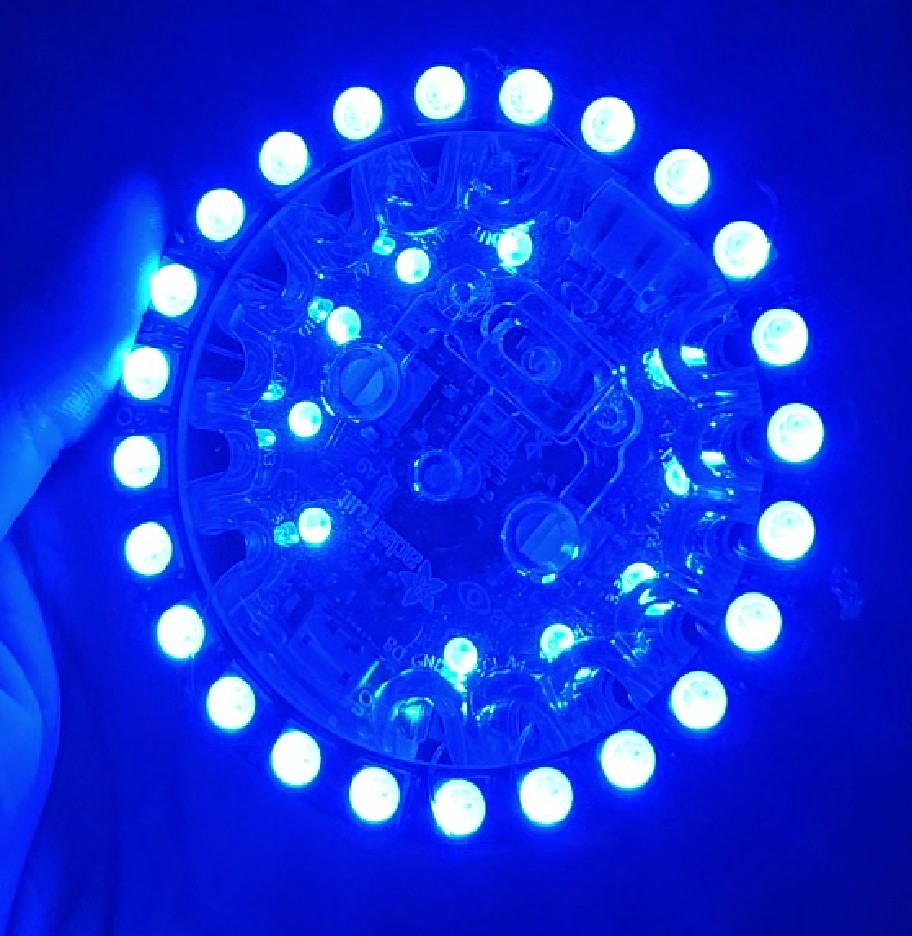
Bluefruit Interface with Accelerometer and Bluefruit-App
My daughter and I made two interfaces for a theater play using two Circuit Playground Bluefruit from Adafruit and an additional NeoPixel Ring with 24 LEDs (also from Adafruit). All Circuit Playground boards already come with several built-in sensors, LEDs, and a…
-

Simple Timer with LEDs and speaker
inspired by the Arduino Starter Kit example #8: ‚The Digital Hourglass‘, my daughter and I made a simple tea timer using two push buttons to enter two different desired times: 3 minutes and 5 minutes. After pressing any of the push buttons…
-

Boldport Kits – The Tap and the Cordwood Puzzle Too
Boldport sells many interesting soldering kits, inspired by old famous circuits. We got two of them: We are using „The Tap“ (a touch sensor circuit) to turn on three of the eight LEDs from the „Cordwood Puzzle Too„. The Tap – a…
-
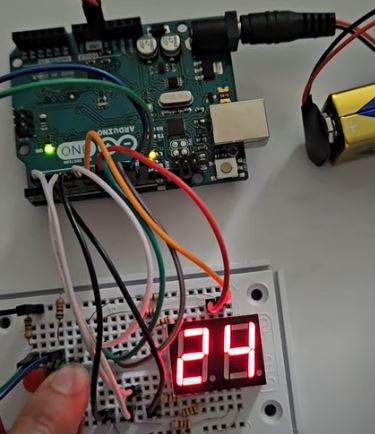
Counter with 7-Segment-Display and two push buttons
My daughter and I made a simple counter with two push buttons. When you press one of the push-buttons you increase the number shown on the 7-segment-display. When you press the other push-button you decrease the number shown on the 7-segment-display. Material:…
-
App for Arduino+Bluetooth HC-05
My daughter and I created an App in order to control an Arduino UNO via Bluetooth. The Arduino then controls a servo-motor and an UV LED. The initial idea came from a theater play. Materials: Arduino UNO Bluetooth modul HC-05 ( for…
-
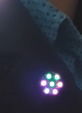
Disco Lights Wearable
Using a Gemma M0 from Adafruit, a Neopixel Jewel and an ALS (Ambient Light Sensor) my daughter and I build up this wearable as Disco Lights. Here is a video: MATERIALS: ° Gemma M0 from Adafruit ° NeoPixel Jewel ° Ambient Light…
-
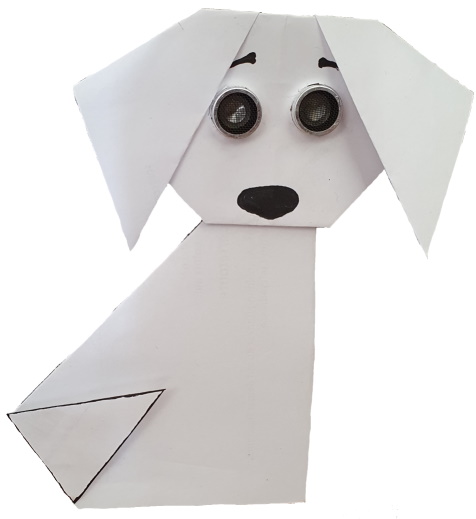
Greeting Puppy
Here is a prototype for a greeting puppy using an Arduino, an ultrasonic sensor (for the eyes) and a servomotor (for the tail). The puppy will wiggle its tail faster as you come closer 🙂 The hardware connections are as follows: For…
-
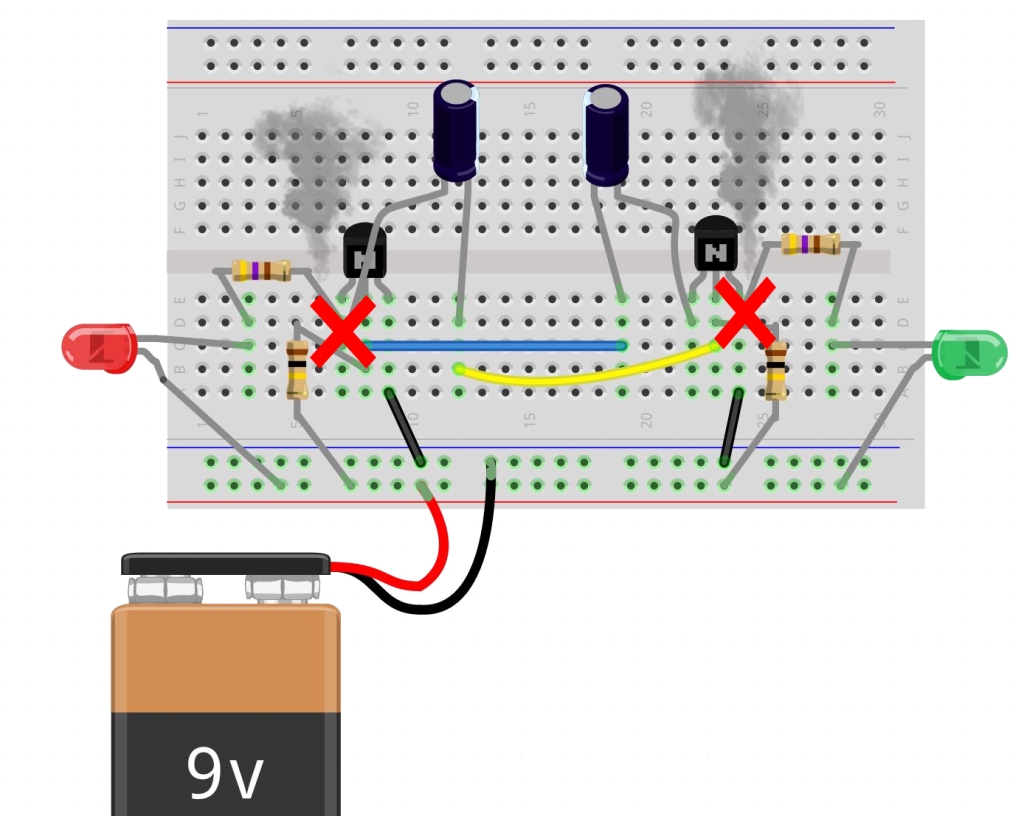
Schadensvermeidende Regeln
1. Pluspol (+ rote Kabel) und Minuspol (– schwarze Kabel) von der Batterie sollten sich nicht berühren!!! Achte darauf, dass alle Verbindungen richtig sind bevor du die Batterie verbindest!!! 2. LED immer mit Widerstand verwenden, sonst brennt die LED durch (geht kaputt):…
-
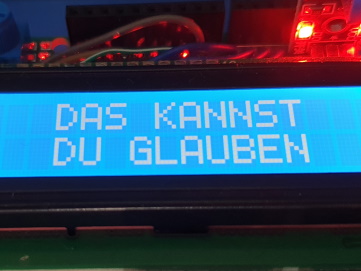
Magic 8 Ball – Arduino Kit Example
The Arduino Starter Kit comes with many examples for beginners. The associated code is included on the Arduino IDE. To open the code on the Arduino IDE, go to: File→ Examples→ 10.StarterKit_BasicKit → … and choose the example you want to work…
Meinem Blog folgen
An Elektronikkursen für Kinder interessiert? Erhalte Benachrichtigungen über neue Inhalte direkt per E-Mail:
 MStronik